Free Instagram grid maker & image splitter
Split any image into Instagram grid posts or carousel slides in seconds. Our free Instagram grid maker works on desktop and mobile, no signup, no watermark, no app download needed. Upload your image, choose your grid settings, and download all your tiles as individual files or a single ZIP.
Step 1: Upload your image
Drag and drop or click to browse.
Drop your image here
or click to upload
JPG, PNG, or WebP up to 20MB.Step 2: Configure your grid
Choose how you want to split your image.
Split type
Try CreatorsJet
Create and Automate your Media Kit in minutes - Ditch Manual Updates. See the media kit page
How to split your image into an Instagram grid
Step 1: Upload your image
Step 2: Choose your grid settings
Step 3: Split your image
Step 4: Download your tiles
What is the Instagram Grid Maker?
The Instagram Grid Maker lets you split one high-resolution image into perfectly aligned tiles for your feed or carousel. Choose your column count, pick grid or carousel mode, and preview every slice so you know exactly how the layout will look. Download the pieces in seconds and post them in order to create a cohesive, professional-looking profile.
Recommended dimensions for Instagram grids
Use these sizes for crisp, edge-to-edge tiles.
3x1 Grid
3240 x 1350px
3x2 Grid
3240 x 2700px
3x3 Grid
3240 x 4050px
3x4 Grid
3240 x 5400px
3x5 Grid
3240 x 6750px
3x6 Grid
3240 x 8100px
Portrait grid sizes
3x1 Portrait Grid
3240 x 1350px
2x2 Portrait Grid
2160 x 2700px
3x3 Portrait Grid
3240 x 4050px
Carousel dimensions
Use these sizes when you want to split one wide image into swipeable carousel slides.
2-slide carousel
2160 x 1350px
3-slide carousel
3240 x 1350px
4-slide carousel
4320 x 1350px
TikTok banner use case
A 3x1 grid works well for creating a TikTok-style banner split across three posts.
Why use this Instagram grid maker
- 100% free
- No signup required
- No watermark
- Works on mobile
- Download as ZIP
- Supports puzzle feeds
- Carousel ready
- No Photoshop needed
Tips for a seamless grid
- Use a high-resolution image so each tile stays sharp.
- Keep key elements away from tile edges to avoid awkward crops.
- Post tiles in reverse order so the grid appears correct on your profile.
Instagram Grid Maker FAQ
This tool helps creators plan stunning Instagram layouts with clean, consistent slices that are ready to post. It removes the guesswork so your feed looks intentional from the first tile to the last.
How does the grid maker work?
Upload a single image, choose the number of columns, and the tool calculates the correct tile size for your grid. It then slices the image into equal squares for grid posts or full-height panels for carousels. You can preview every tile before downloading to ensure the layout looks right.
Can I make carousel slides?
Yes. Select Carousel Slides to split your image into vertical panels that match a swipeable post. Each panel keeps the full height of the original image so the story reads smoothly from left to right.
Will this affect image quality?
Each tile is exported as a high-quality JPG to keep details sharp on Instagram. For the best results, start with a high-resolution image and avoid heavy compression before uploading.
What size should my image be?
Use the recommended dimensions so your tiles align perfectly. For a standard 3-column grid, 3240px wide is ideal because it divides cleanly into 1080px tiles. If your image is a different size, the tool will still work, but you may see minor cropping.
How do I create a puzzle feed on Instagram?
Upload one large image, choose a grid layout such as 3x3, split it into tiles, and post them in the correct order on your profile. This creates one connected image across multiple Instagram posts.
Can I use this as a TikTok banner maker?
Yes. A 3x1 split is a simple way to create a banner-style layout that works well for TikTok profile content or other multi-post designs.
Is this tool really free?
Yes. You can split images into Instagram grid posts or carousel slides for free with no signup and no watermark.
Does it work on mobile?
Yes. The Instagram grid maker works on mobile and desktop, so you can upload, split, and download your tiles from either device.
Can I download all images as a ZIP file?
Yes. You can download each tile individually or download all of them together as a single ZIP file.
Get 4x more conversions with brands using CreatorsJet's media kit.
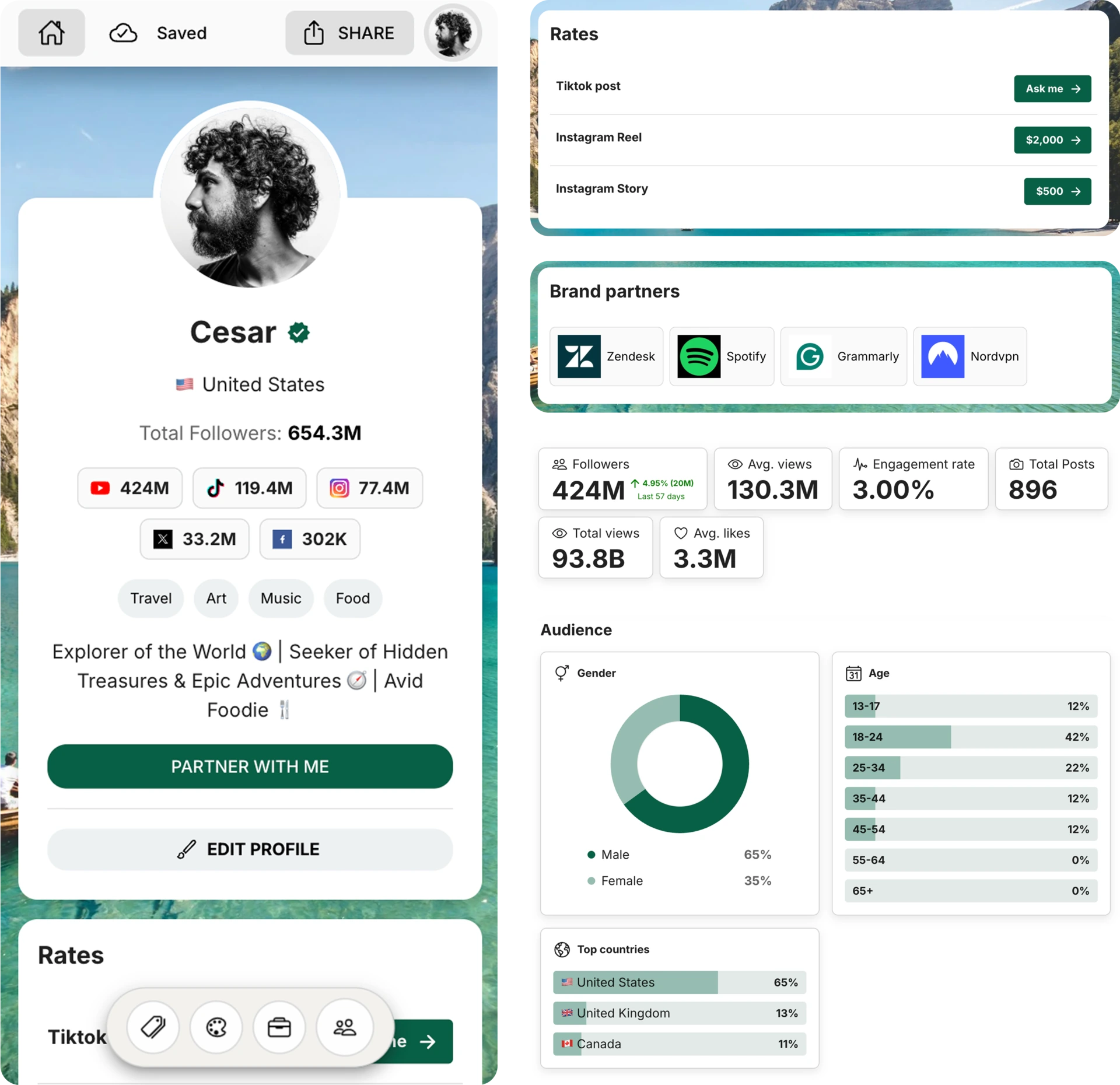
Media kit examples
Check out some real-life examples of professional media kits made with CreatorsJet that really nail how creators in different verticals are attracting brands and collaborations. Use these templates for inspiration in crafting your own media kit that's sure to impress.
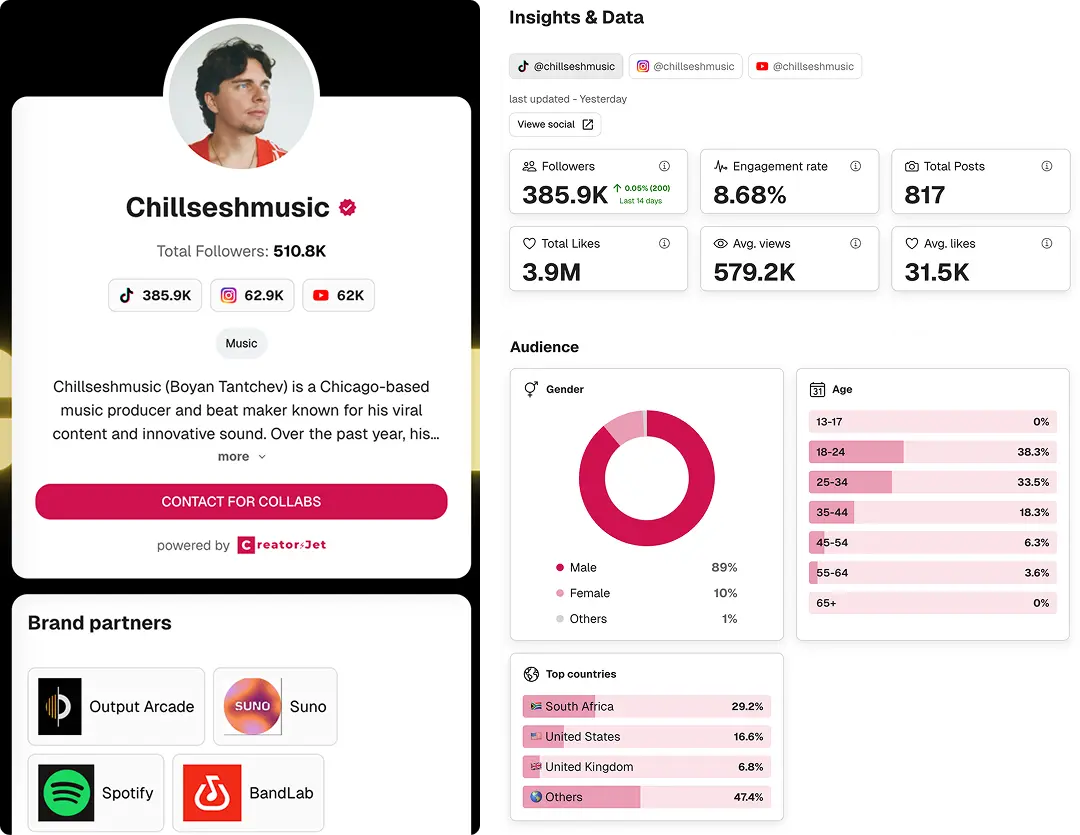
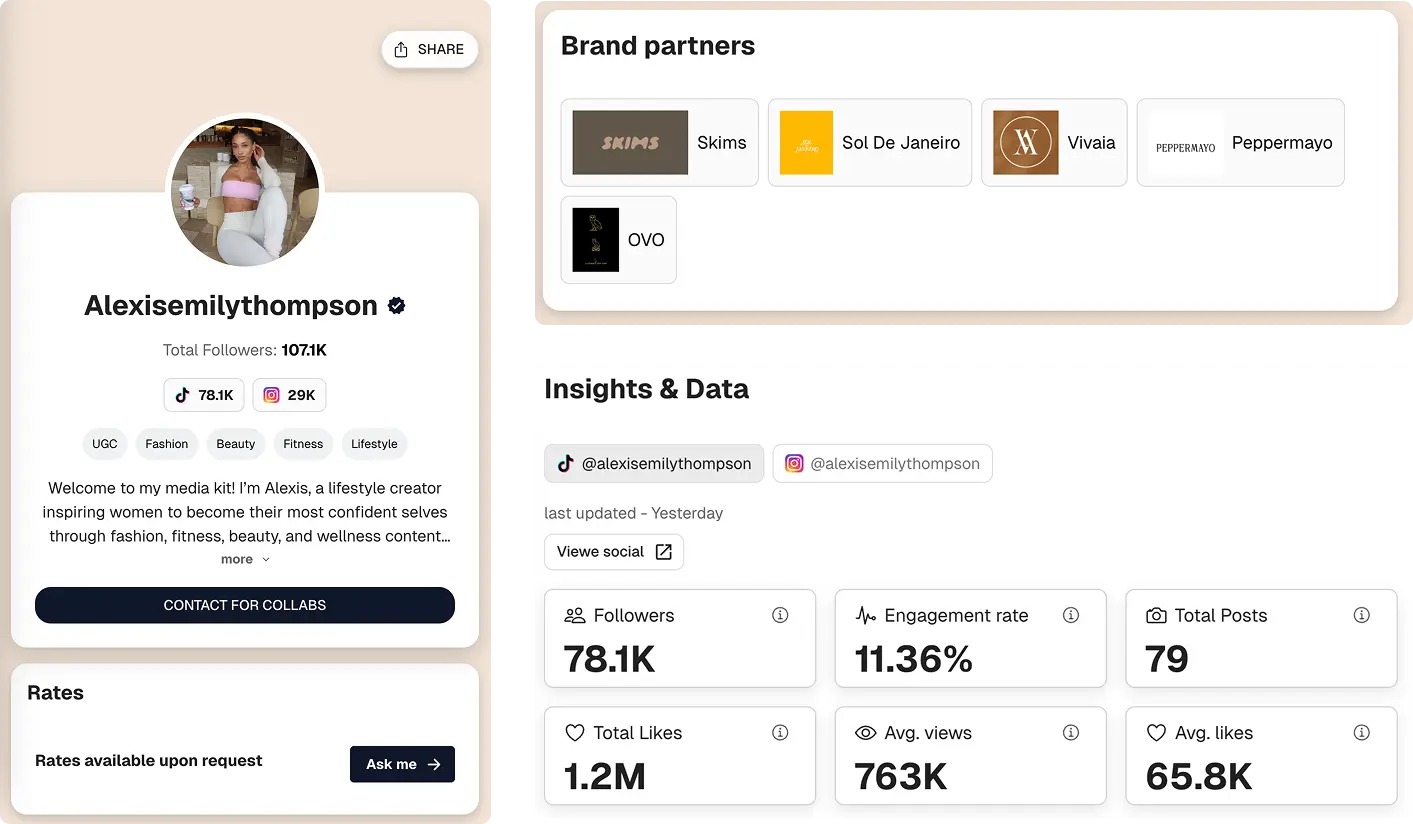

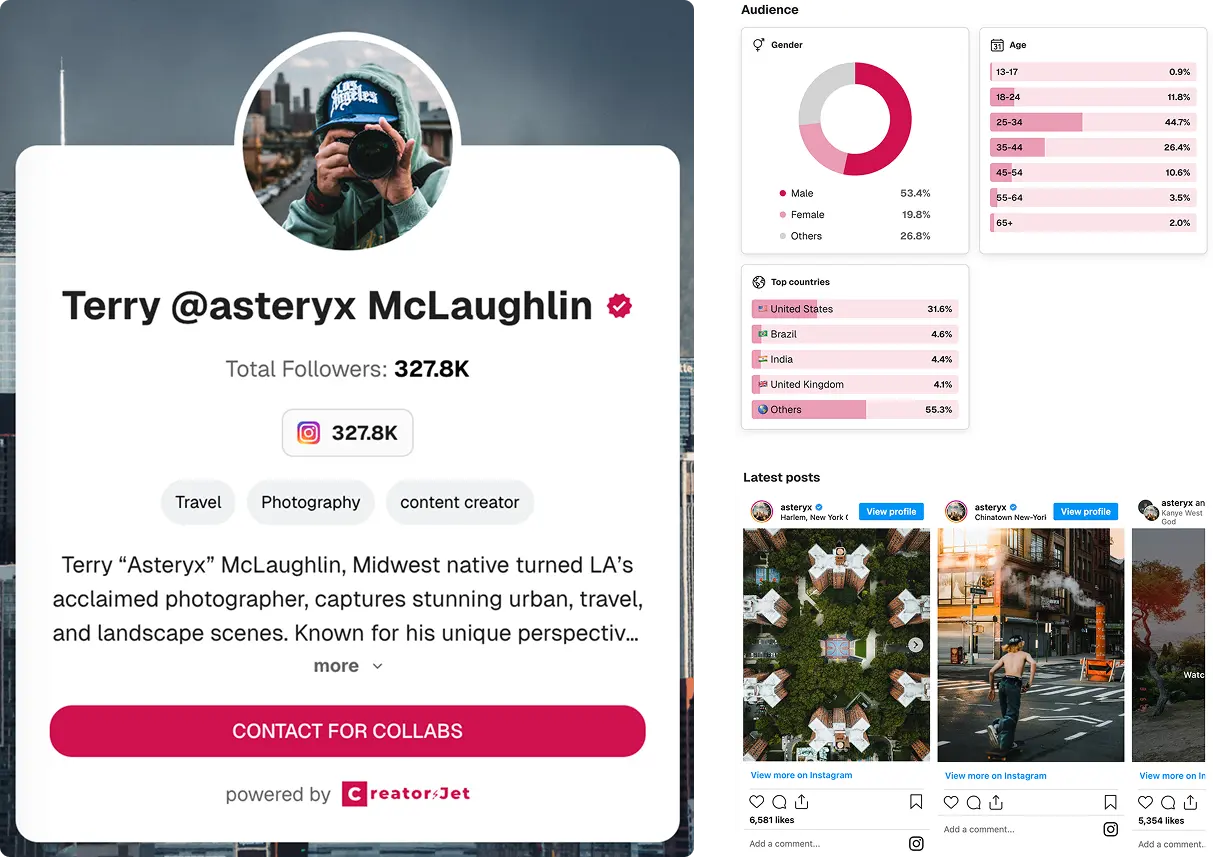
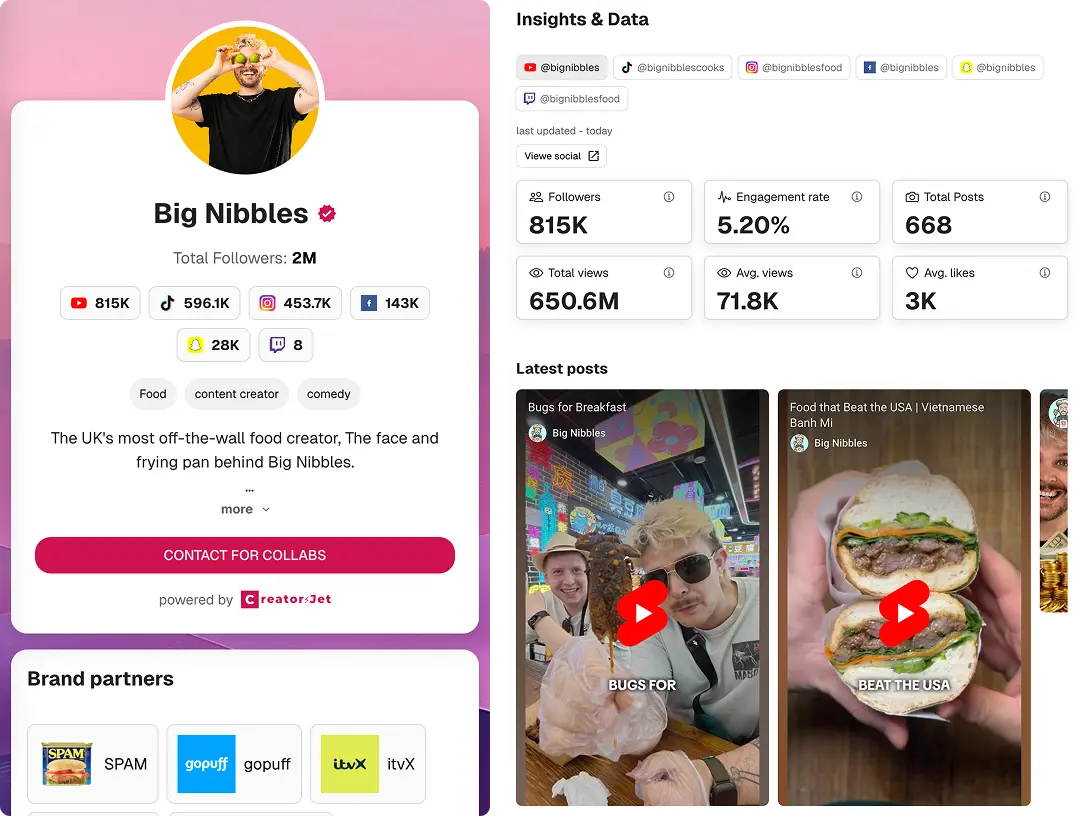
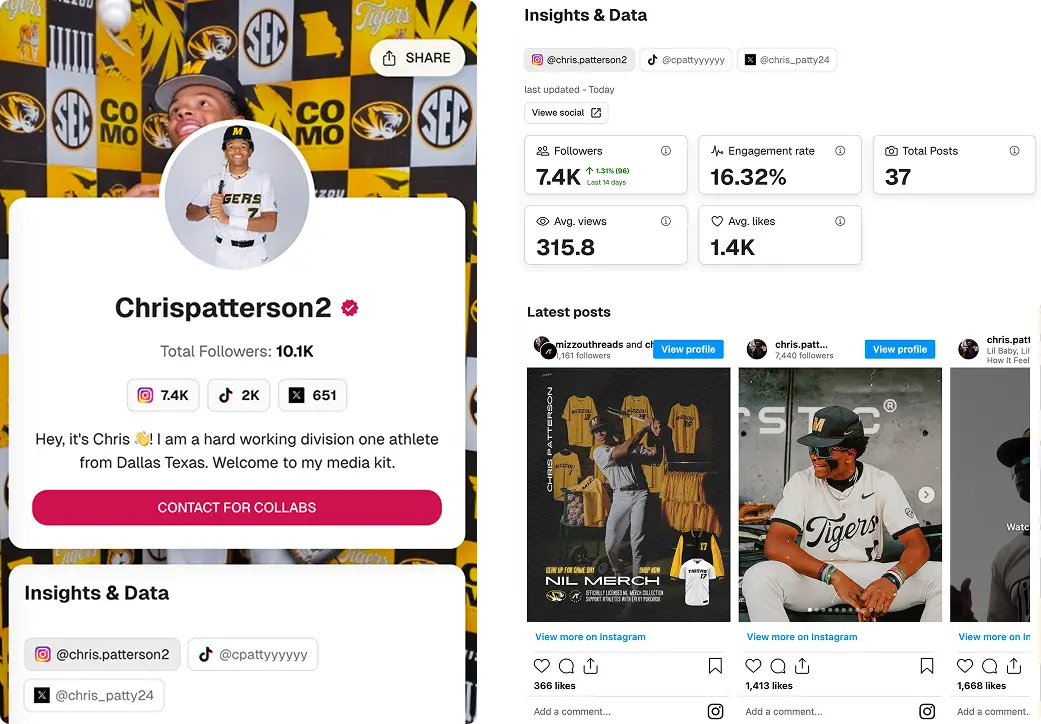

Build your professional media kit in minutes with CreatorsJet. The only media kit maker that helps creators secure more brand collaborations.
Creator Resources
Free Tools
Engagement rate calculators
Top Social Platforms
Alternatives
© 2026 CreatorsJet. All rights reserved.