Twitch subscription calculator - estimate your earnings
Calculate how much you earn from Twitch subscriptions instantly. Our free Twitch sub calculator shows you earnings from tier 1, tier 2, and tier 3 subscriptions. No signup, no login required. Just enter your subscriber count and see your potential earnings.
Tier 1 Subs.
$4.99/month
Tier 2 Subs.
$9.99/month
Tier 3 Subs.
$24.99/month
Streamer Type
Total Revenue
$0.00
Streamer Revenue
$0.00
Twitch Revenue
$0.00

Try CreatorsJet
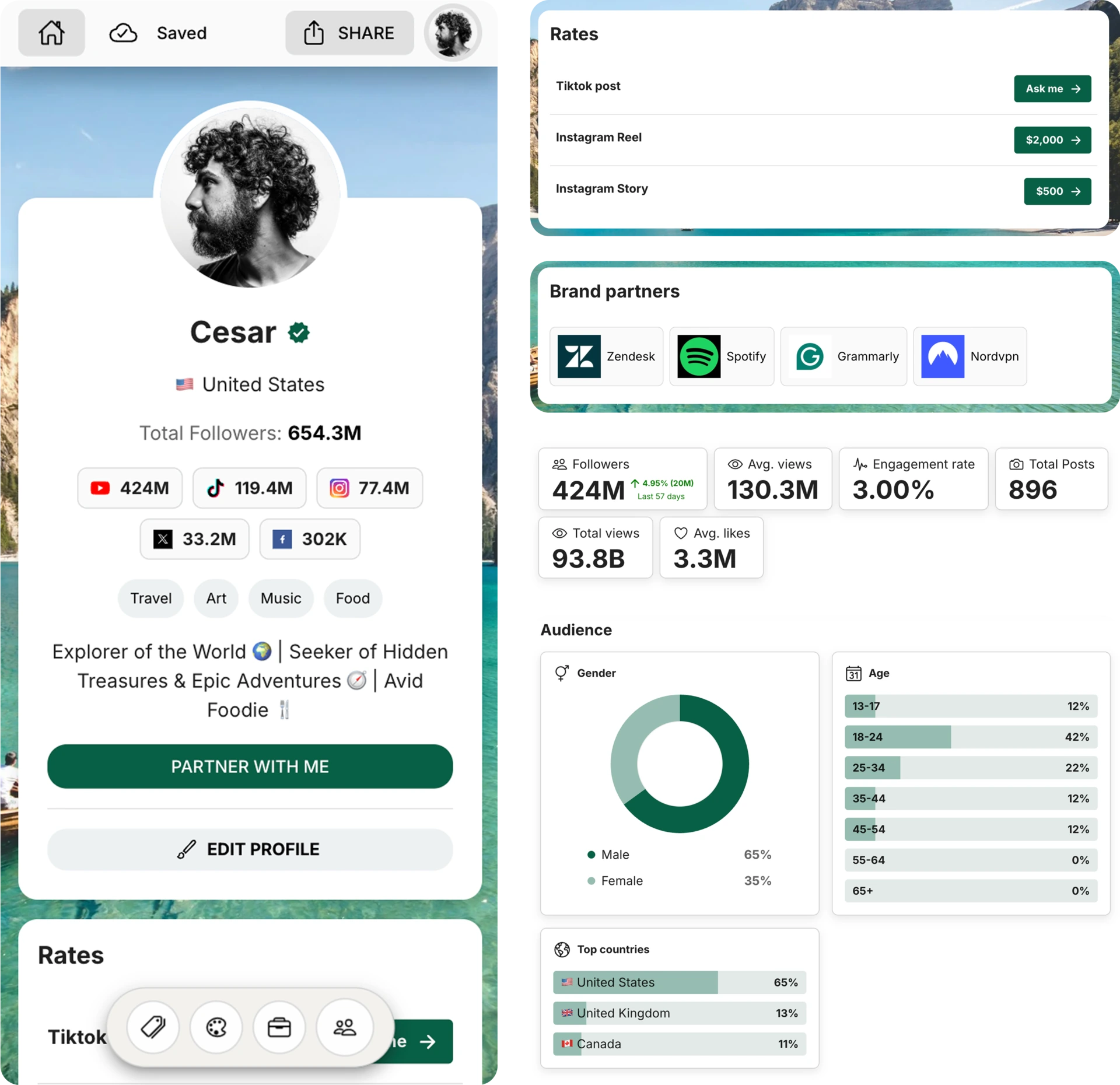
Create and Automate your Media Kit in minutes - Ditch Manual Updates. See the media kit page
How to use the Twitch sub calculator
Step 1: Enter your subscriber count
Step 2: Adjust revenue split (optional)
Step 3: View your earnings
Understanding Twitch subscription tiers
| Tier | Monthly cost | Affiliate split (50% streamer / 50% Twitch) | Partner split (70% streamer / 30% Twitch) |
|---|---|---|---|
| Tier 1 | $4.99 | Streamer $2.50 | Twitch $2.50 | Streamer $3.49 | Twitch $1.50 |
| Tier 2 | $9.99 | Streamer $5.00 | Twitch $5.00 | Streamer $6.99 | Twitch $3.00 |
| Tier 3 | $24.99 | Streamer $12.50 | Twitch $12.50 | Streamer $17.49 | Twitch $7.50 |
Prime Gaming subscriptions generally count like tier 1 subs in this estimate.
Other Twitch earnings sources
Bits & Cheers
Ads
Affiliate commissions
Sponsorships
Donations
Frequently asked questions
What is the Twitch Sub Calculator?
The Twitch Sub Calculator helps streamers estimate their potential earnings based on the number of subscribers they have, the tier of the subscribers, and the revenue share percentage. It simplifies the process of calculating how much revenue a streamer can earn from Twitch subscriptions.
How is Twitch Sub revenue calculated?
The revenue is calculated by multiplying the number of subscribers in each tier with the respective tier price and then applying the revenue share percentage based on whether the streamer is an affiliate or a partner.
What are the different Twitch Sub tiers?
Twitch offers three subscription tiers: Tier 1 ($4.99/month), Tier 2 ($9.99/month), and Tier 3 ($24.99/month). Each tier offers different levels of support for streamers and additional benefits for subscribers.
What is the revenue share for Affiliates and Partners?
Affiliates earn 50% of the revenue from each subscription, while Partners can earn up to 70% depending on their contract with Twitch.
Is there a difference in revenue based on country?
Yes, Twitch uses local pricing for different regions, which can affect the revenue streamers earn. This calculator uses the default pricing for the US and France. Ensure to select the appropriate locale.
How do streamers get paid on Twitch?
Streamers are paid once they meet the payout threshold of $100. Twitch pays streamers via various methods, including direct deposit, PayPal, or check, depending on the streamer’s country.
Can I subscribe to a streamer with different tiers?
Yes, viewers can choose to support streamers with a subscription to any of the three tiers, with Tier 1 being the most affordable and Tier 3 offering the highest level of support.
How much do Twitch streamers earn from subscriptions?
It depends on the subscription tier and your revenue split. Many streamers earn around 50% of each subscription, while some Twitch Partners have custom terms.
What's the difference between tier 1, tier 2, and tier 3 subs?
The main difference is the monthly price. Tier 1 is the entry-level subscription, tier 2 costs more, and tier 3 is the highest support option.
Do I get 100% of subscription revenue?
No. Twitch keeps a share of subscription revenue. Affiliates often receive 50%, while some Partners receive a higher split depending on their agreement.
How often do I get paid from Twitch subscriptions?
Twitch usually pays out once you reach the platform's payout threshold. Timing can vary slightly depending on your payout method and country.
Can I use this calculator for Prime Gaming subs?
Yes. Prime Gaming subscriptions are commonly estimated like tier 1 subscriptions, so this calculator can give you a reasonable estimate.
Related earning calculators


Get 4x more conversions with brands using CreatorsJet's media kit.
Media kit examples
Check out some real-life examples of professional media kits made with CreatorsJet that really nail how creators in different verticals are attracting brands and collaborations. Use these templates for inspiration in crafting your own media kit that's sure to impress.
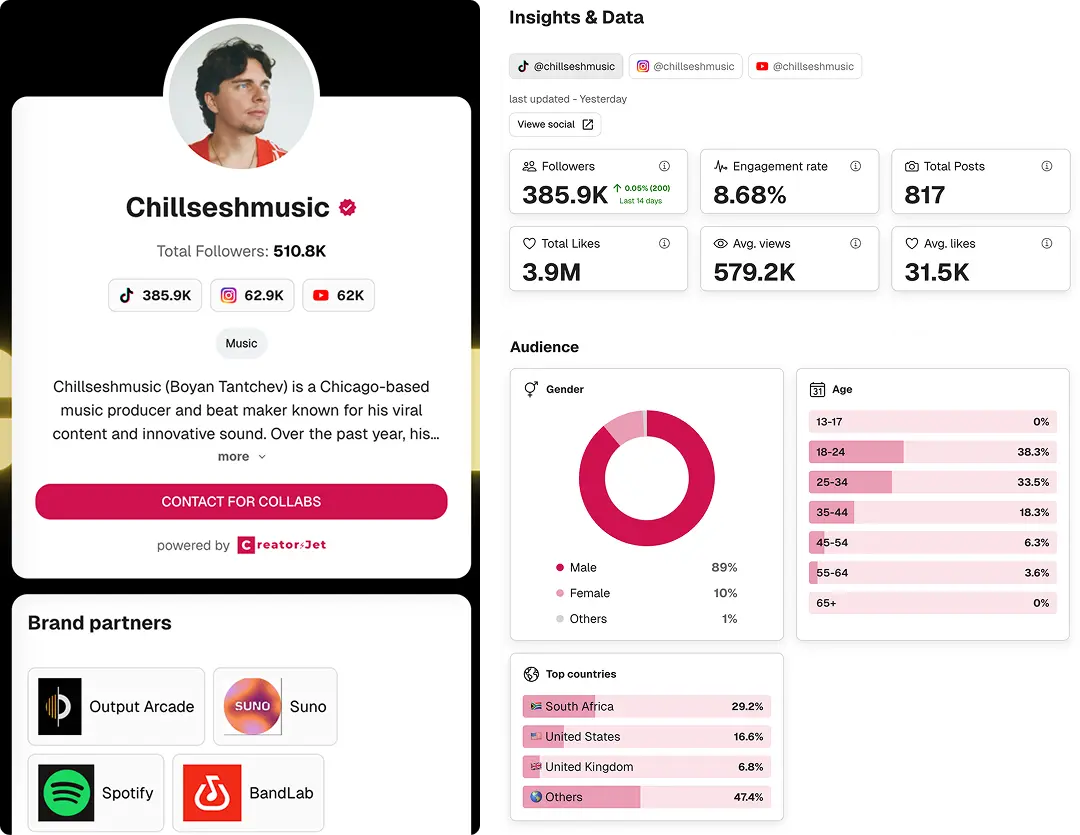
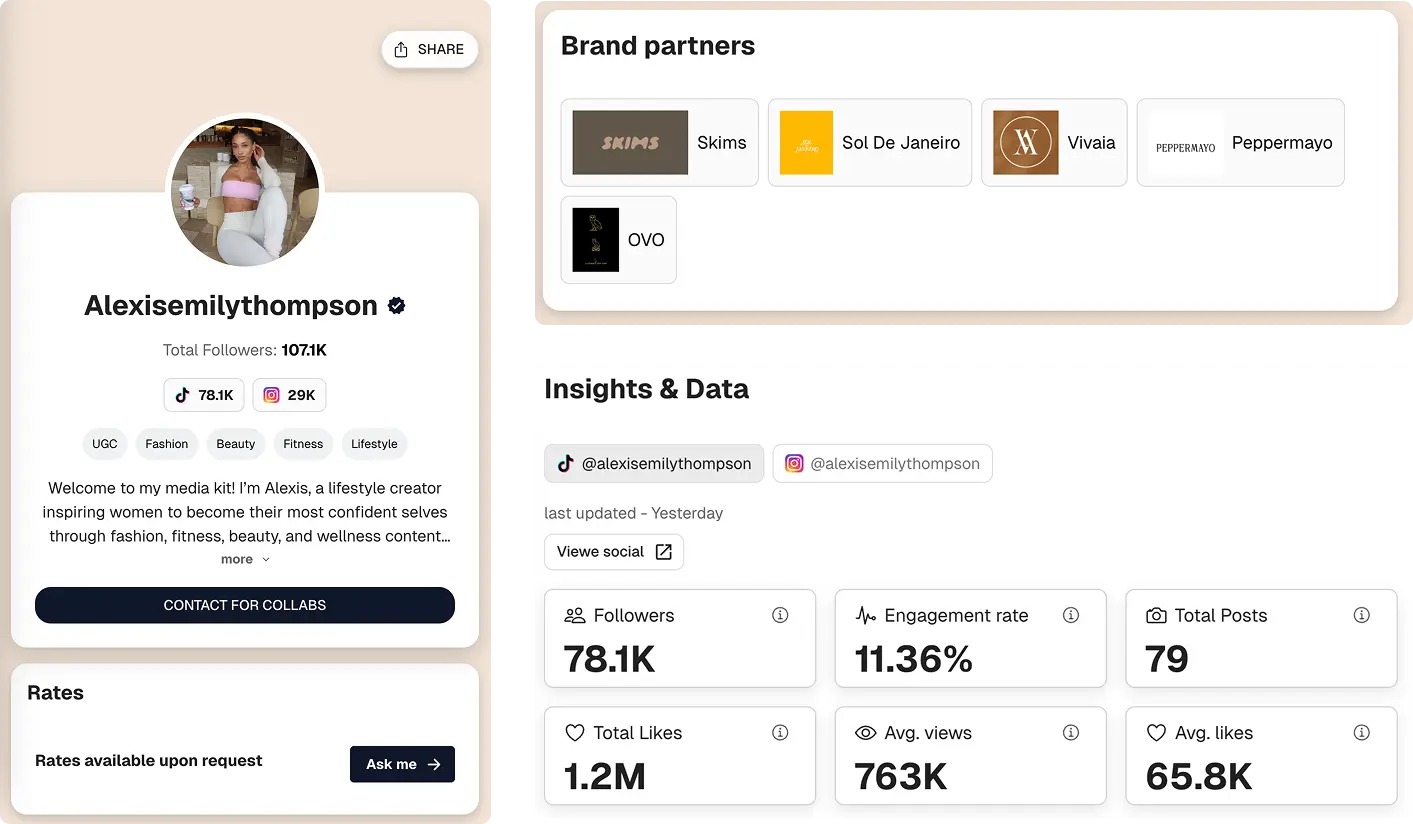

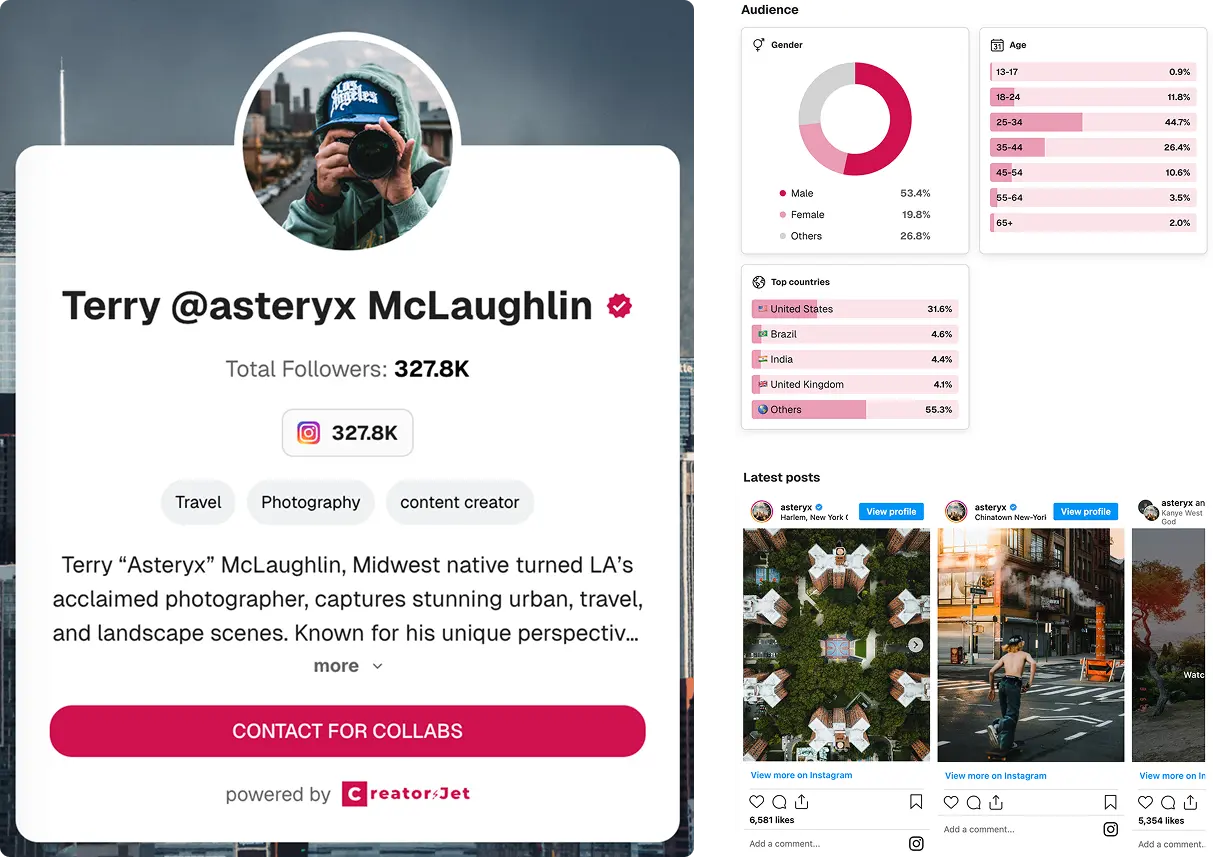
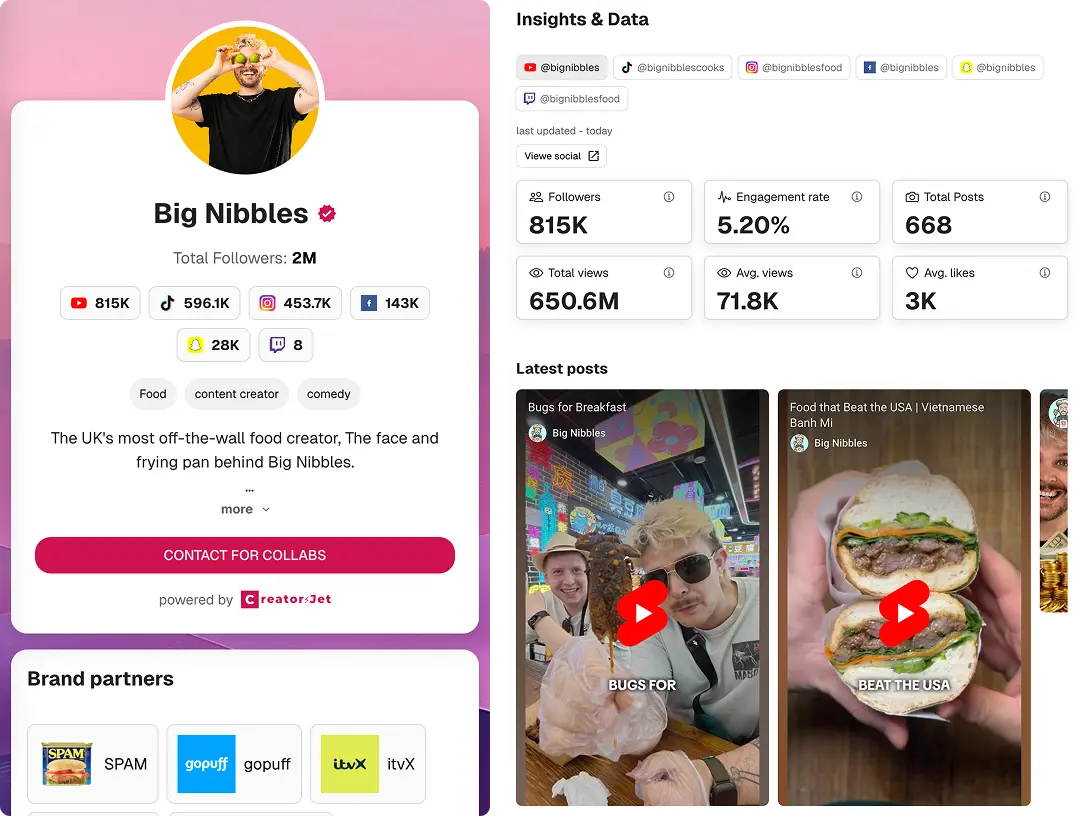
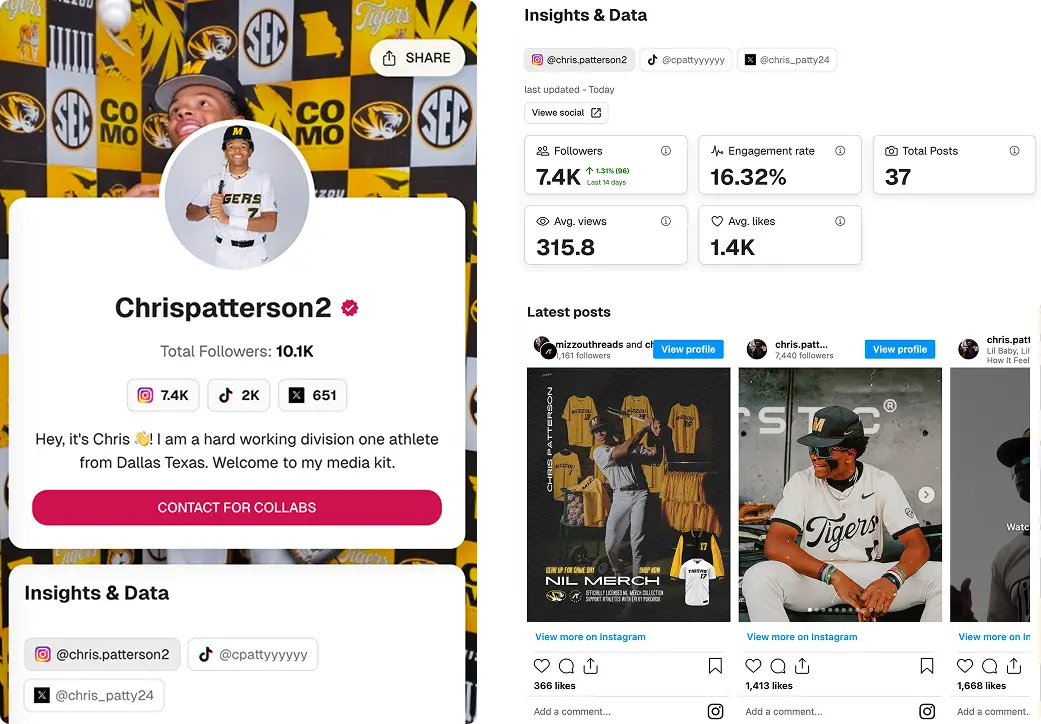

Build your professional media kit in minutes with CreatorsJet. The only media kit maker that helps creators secure more brand collaborations.
Creator Resources
Free Tools
Engagement rate calculators
Top Social Platforms
Alternatives
© 2026 CreatorsJet. All rights reserved.